BarCuts › Alfred Workflow
Since v2025.2, BarCuts has an official Alfred workflow, "BarCuts Companion", so you can access your BarCuts-tagged workflows right from your favourite launcher.
What it does
Section titled “What it does”The workflow returns the same list of workflows as the BarCuts menu: Both the workflows tagged for the currently active application and the global (always-available) workflows.
Here's an example showing the results for my currently active app, Xcode – one app-tagged workflow, and the single global workflow I've set up:
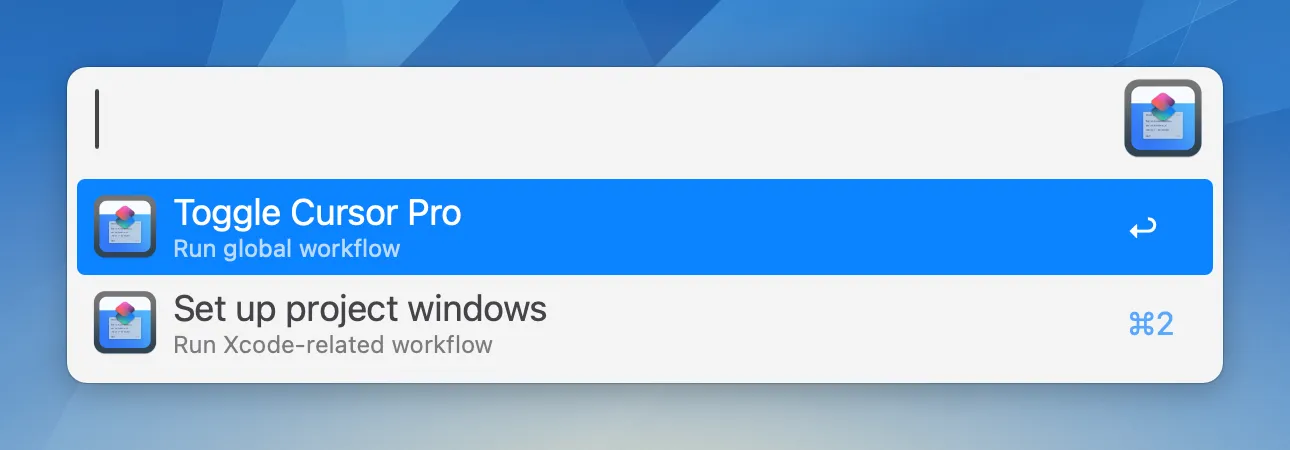
Selecting a workflow and hitting ↵ will run it, while pressing ⇧↵ will open it in the Shortcuts editor.
Installation
Section titled “Installation”The extension can be downloaded from our website. Double-click the downloaded BarCuts_Companion.alfredworkflow file to start the installation process in the Alfred app.
BarCuts must be running for the Companion to work.
Configuration
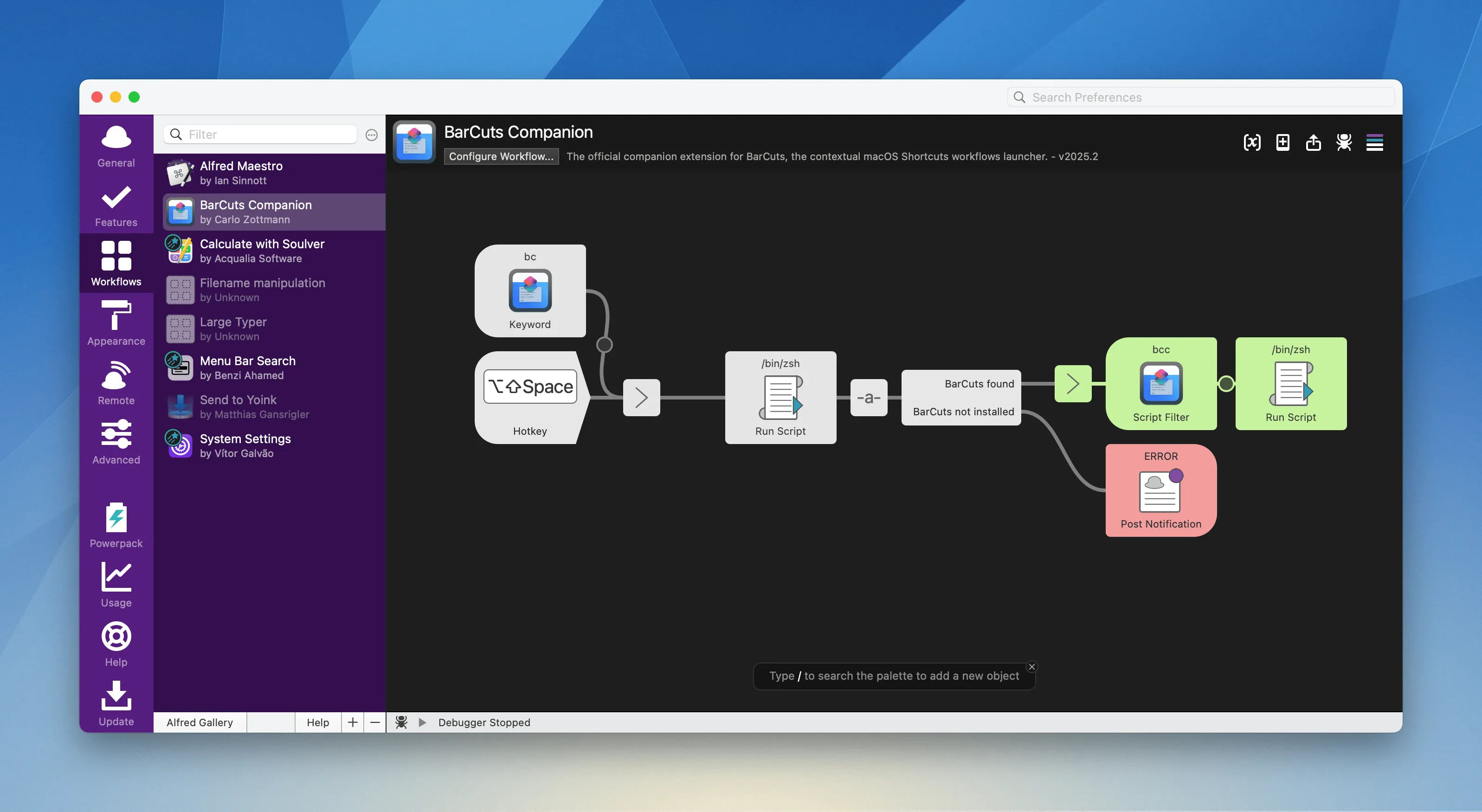
Section titled “Configuration”The workflow can be configured in Alfred Preferences → Workflows → BarCuts Companion. There, you can define a keyword or a hotkey for bringing it up.