
Listening Post › Apple Music
The Apple Music channel adds track menu actions for Apple Music. Unlike other channels, it doesn't publish or export anything — it just makes it easy to jump to tracks in Apple Music.
What it does
Section titled “What it does”When enabled, recognized tracks get Apple Music actions in their menu (if the track exists in the Apple Music catalog, which most do). That's it for now. No accounts to connect, no tokens to configure.
Configuration
Section titled “Configuration”Find the configuration in the Channels tab → "Apple Music".
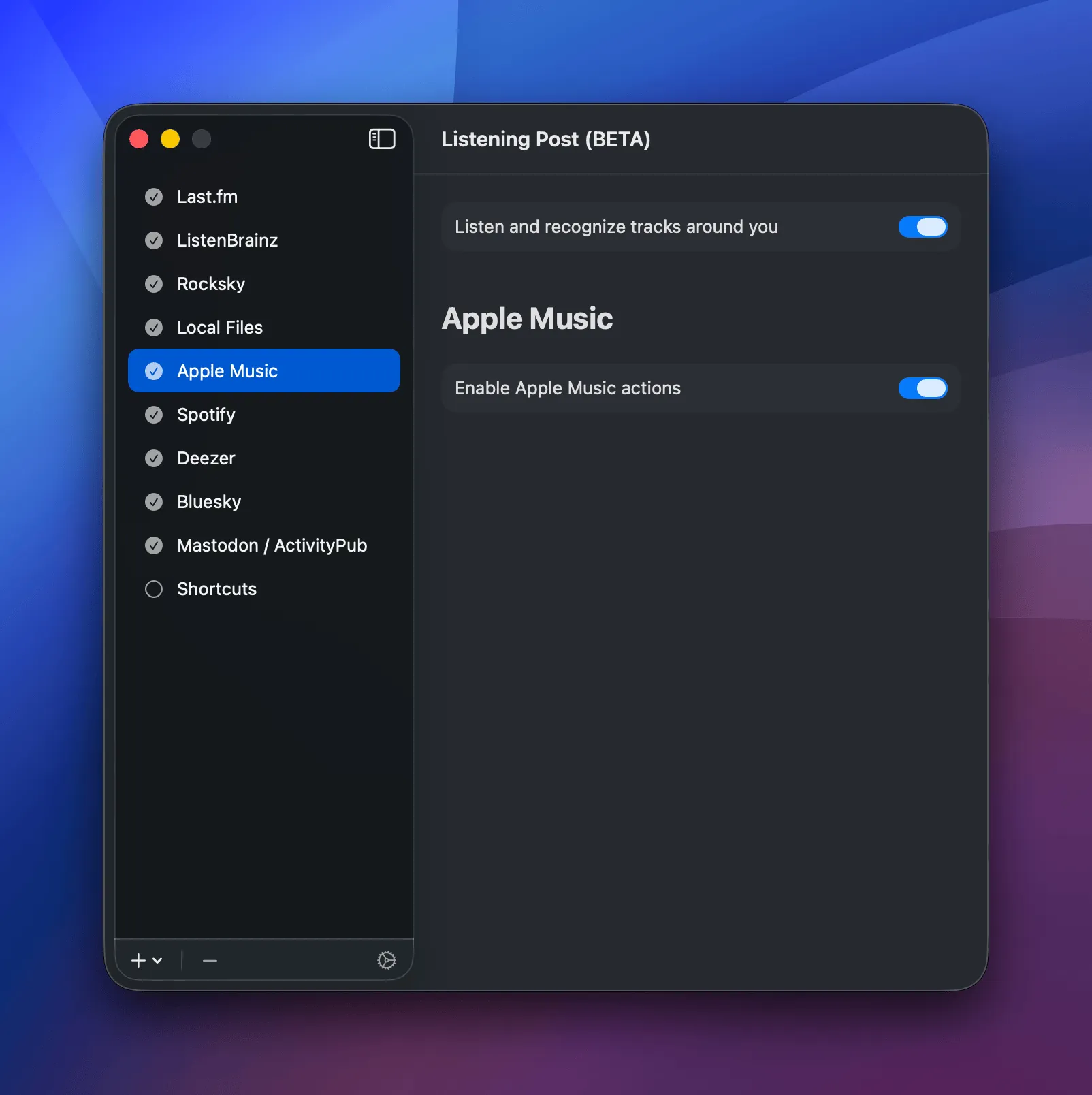
There's just a single toggle. Enable it, and you get the track menu actions. Disable it, and they disappear.
Track menu actions
Section titled “Track menu actions”- Show track in Apple Music: Opens the track in the Music app (or Apple Music web if you don't have the app)
- Copy Apple Music track link: Copies the URL (plain or Markdown-formatted)
