

Listening Post › Last.fm
The Last.fm channel scrobbles your recognized tracks to your Last.fm profile.
Automatic scrobbling
Section titled “Automatic scrobbling”When enabled, tracks are scrobbled automatically once the publishing delay is over. You can disable automatic scrobbling and scrobble individual tracks manually from the track menu instead.
Configuration
Section titled “Configuration”Find the configuration in the Channels tab → "Last.fm".
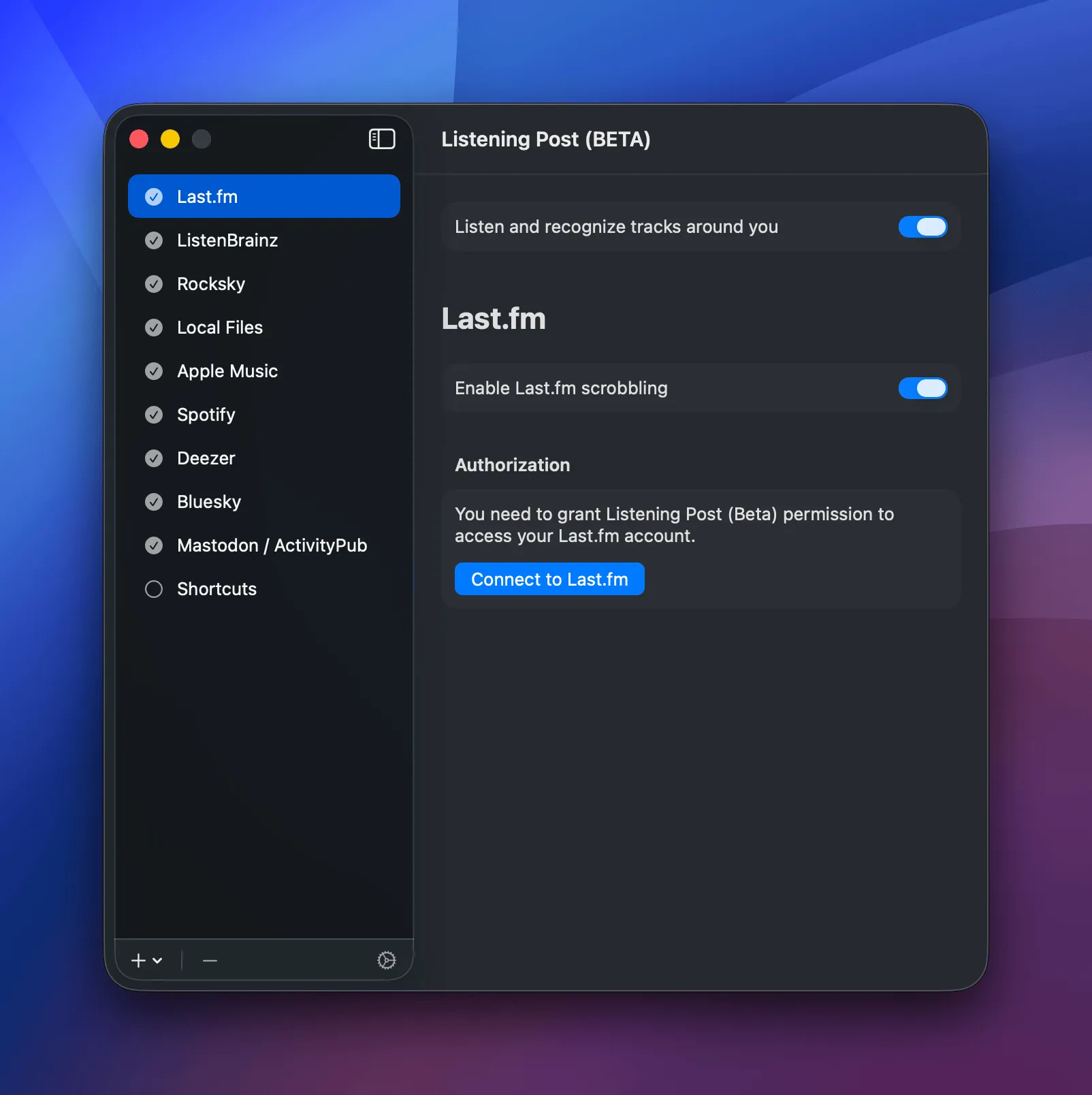
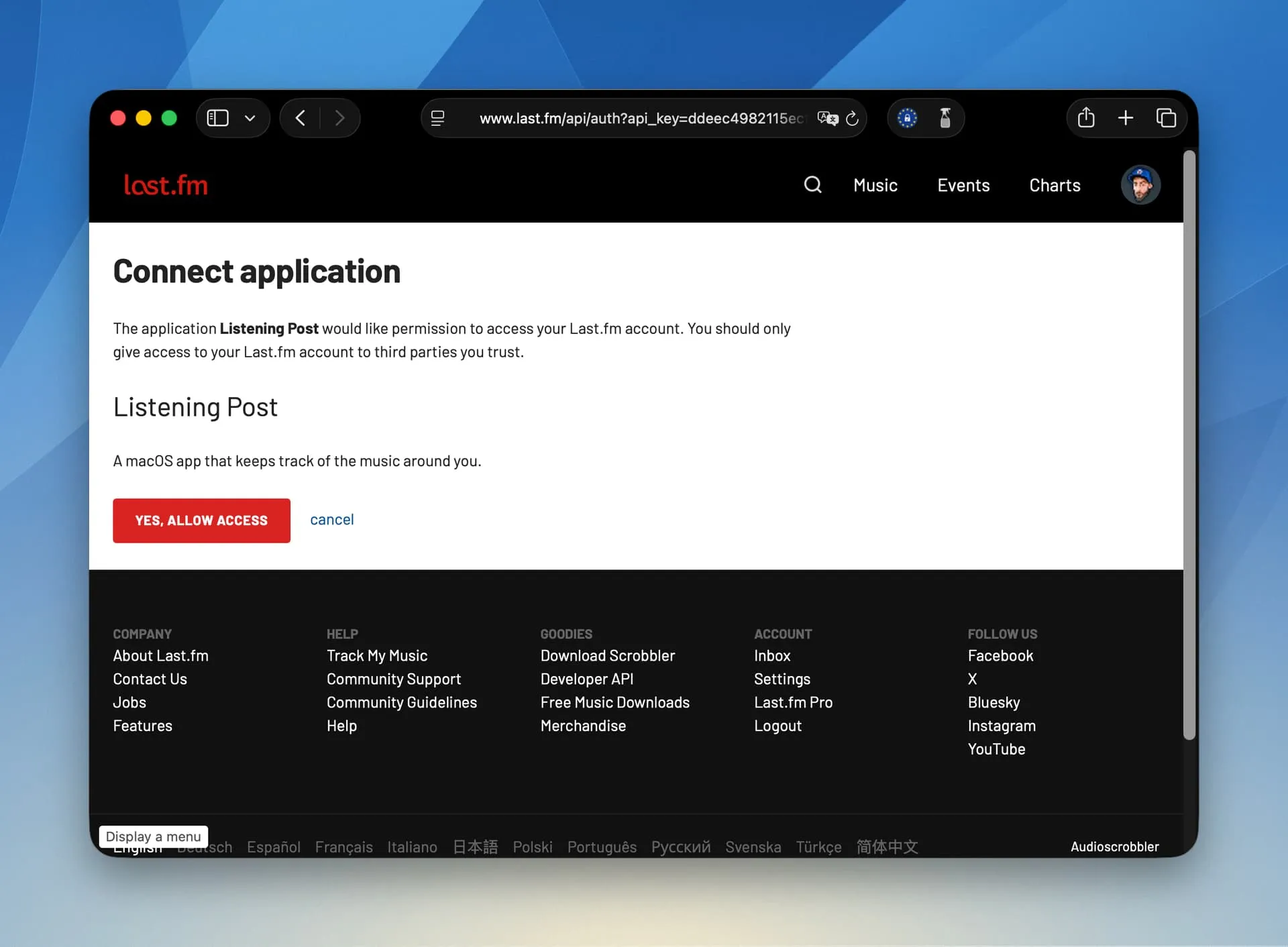
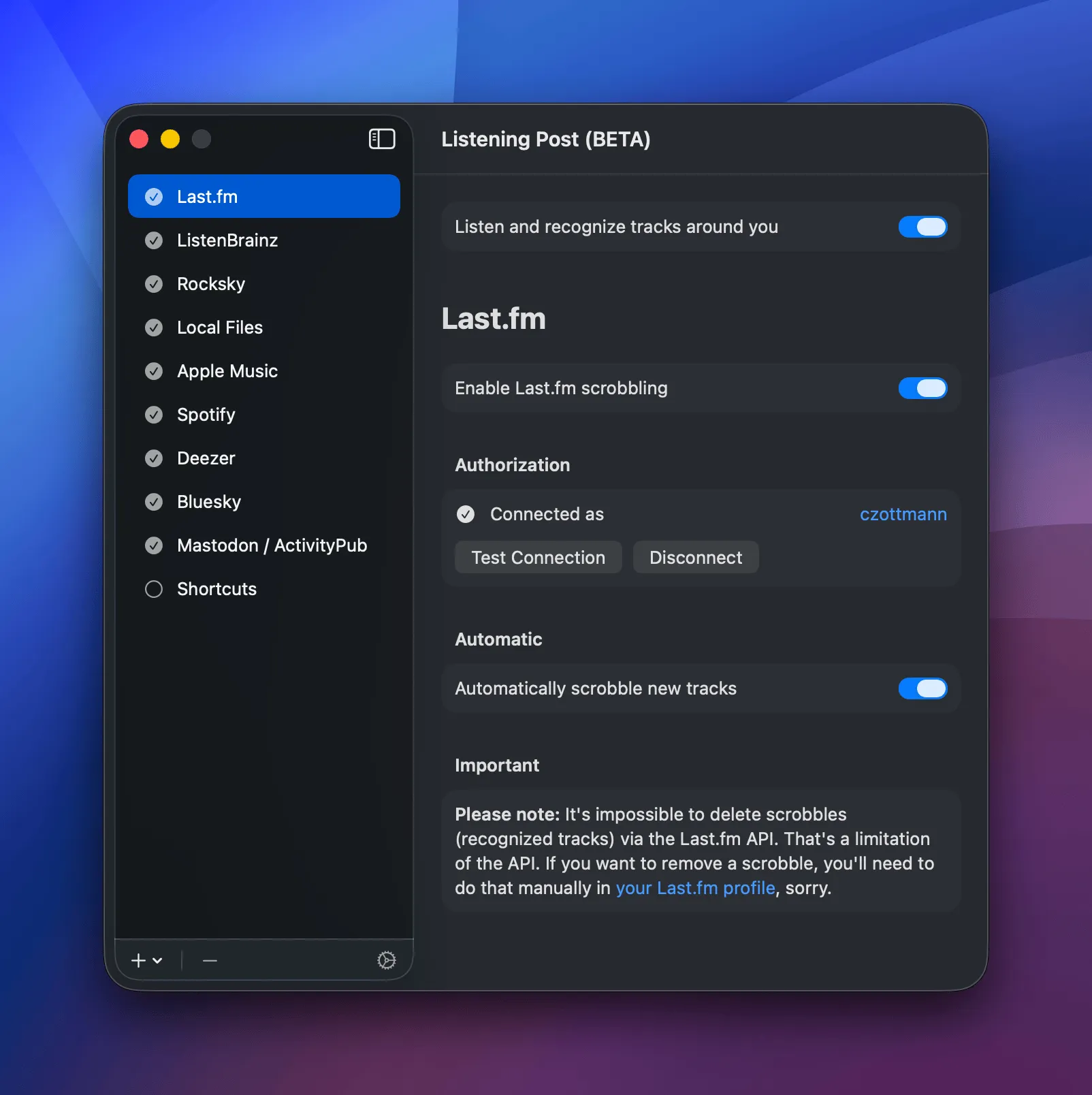
Click the "Connect to Last.fm" button, this will open their site in your browser. There, click the "Yes, allow access" button. The site will show you a green "You have granted permission to Listening Post to use your Last.fm account" notice. Go back to the app, which should now reflect the authorization:
Once connected, you'll see your username and can test the connection or disconnect.
Track menu actions
Section titled “Track menu actions”The track menu gives you quick access to Last.fm-specific actions:
- Open track: Opens the track's page on Last.fm in your browser
- Copy link: Copies the track's URL to the clipboard
- Copy Markdown link: Copies the URL as a Markdown link (
[Artist - Title](URL)) - Scrobble track: Manually send the track to Last.fm if auto-scrobbling is off (only available after the publish delay)
Copy link and Copy Markdown link only appear once the track was uniquely matched on Last.fm. If it couldn't be matched, you'll just see Open track.
Likes and deletes
Section titled “Likes and deletes”Like track and Forget track aren't Last.fm-specific — they sit at the top of the track menu as global track actions. They do reach Last.fm, though:
Liking tracks
Section titled “Liking tracks”When you like a track in Listening Post, it's also marked as "loved" on Last.fm. Unliking removes the love.
Please note: There's no sync back from Last.fm. If you manually love a track there, LP won't know about it. Same thing if you unlove a previously loved track there: it'll remain loved in Listening Post.
Deleting listens
Section titled “Deleting listens”When you forget (delete) a track in Listening Post, the corresponding listen will not be deleted from your Last.fm history, because the Last.fm API doesn't allow that. In other words, there is no way for Listening Post to remove a listen from your Last.fm feed, because Last.fm built it that way. Sorry.